A weather app is a must have in today’s times, for you don’t want to get caught out in an unexpected shower on a sunny day or a random snowfall during the winters. Thankfully, there are a ton of apps to choose from, including the most popular ones such as Accuweather to Weather Underground.
However, my favorite go-to weather app is Overdrop. Not many have heard about this app as it recently was released to public, but I have been using this app since its beta development phase, and I have to say it is the most unique, if not the best, weather app on the Play Store right now. Sorry, iOS users, this app is for android only!
The interface
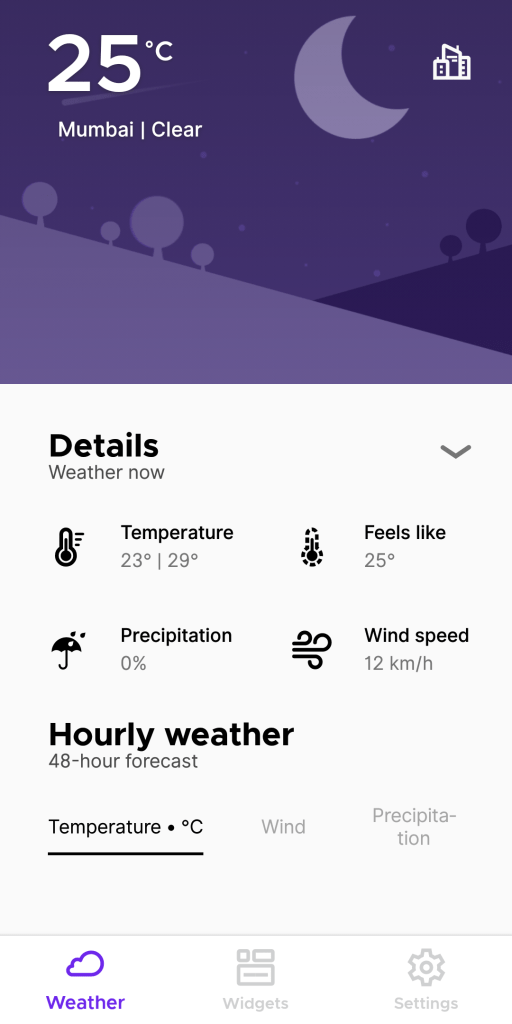
The main app screen is simply glorious with a simple, minimal design. It does not have any fancy or overblown effects like many other weather apps have; it carries a clean but pleasing design. It shows all the necessary information you need such as temperature, humidity, forecast, wind levels and so on. The top of the screen is accompanied by a cool graphic as background, depending on what theme you choose.
themes
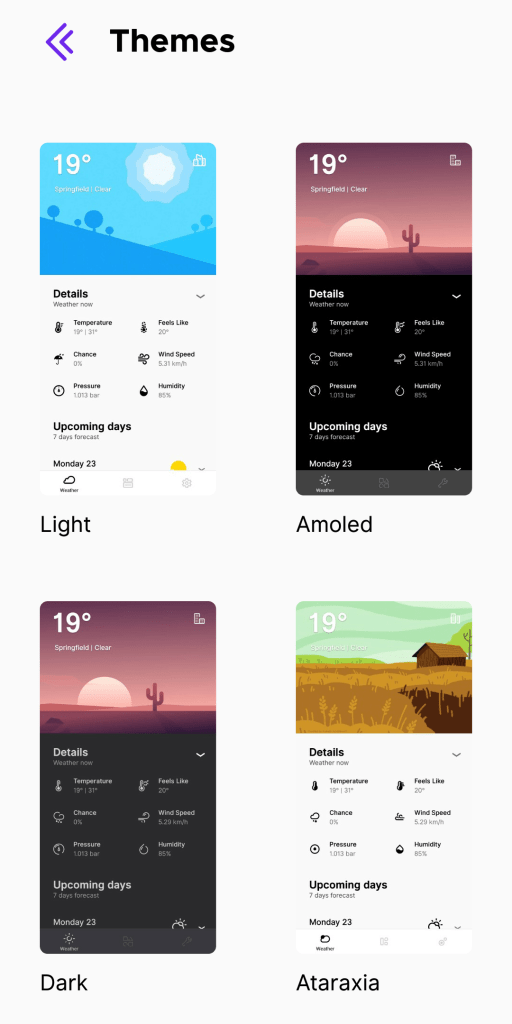
Now theme in a weather app is mostly unheard of. Such apps usually offer a variety on widgets, but very few offer theming of the actual app interface. Overdrop Weather however, provides 5 different theme options for the main interface, complete with light, dark and colorful outlays. There is even an pitch black theme for amoled screens, however it is only for those who buy the pro version. Still, 3 themes for free version is not bad at all!
widgets
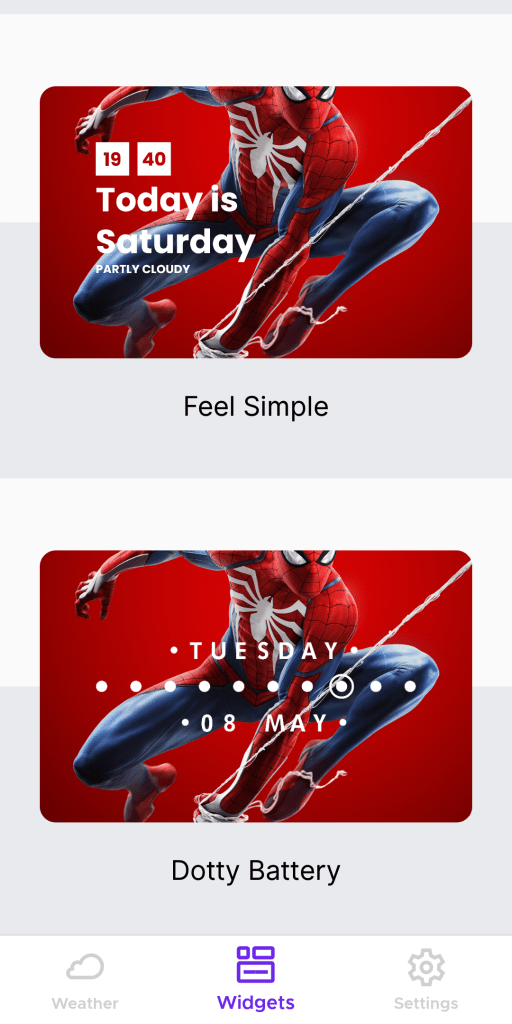
It has a rich collection of widgets, ranging from stylish to minimal to text-only widgets. There are even specific widgets for battery level and date/time options. The wide variety ensures that there is a widget for everyone and for every purpose. Some of the widgets are locked for the free version, and become only available for the pro users. But with a cheap price, I doubt most will have second thoughts when opting to pay for the app.
settings & options
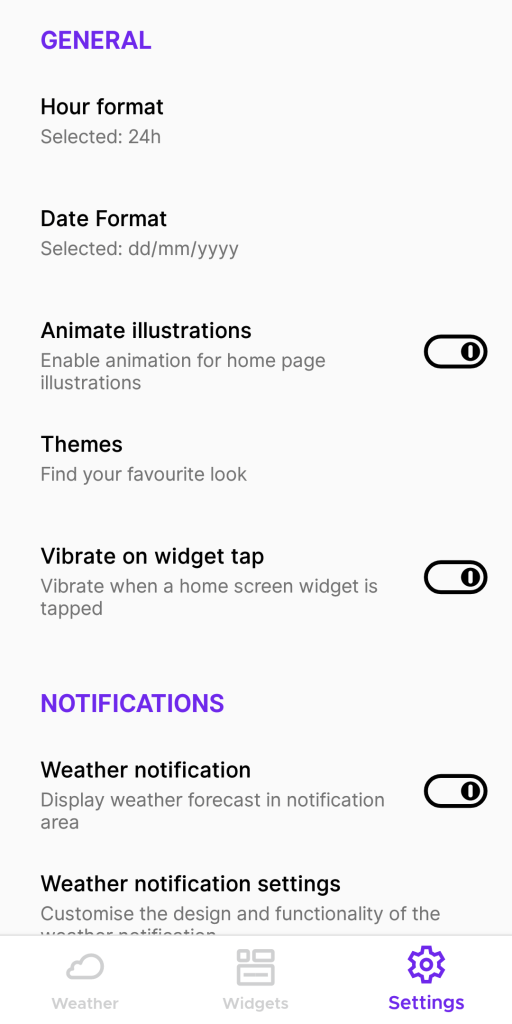
Overdrop Weather for Android comes with all the standard settings and options to allow users to change between temperature units, add more cities, customization of notifications and many more. Most of the settings are not locked behind the pro version, allowing full flexibility for users to try the app before buying the pro version.
help & support
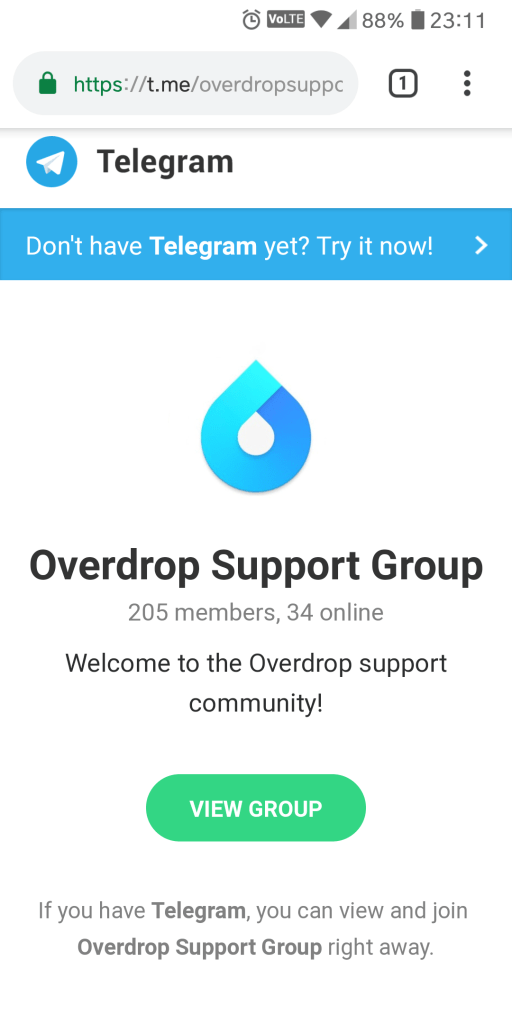
Unlike most other weather apps, and most apps in general, Overdrop has a unique support option on the Telegram messaging platform.This means no sending countless emails, no scouring the internet for issue troubleshooting, no wasting time trying to find out the solution to a problem on your own. All you have to do is install the Telegram app (which is free), join the Overdrop support group, and you’ll always have help just a message away!
main reasons why i like the app
- Beautiful, functional interface
- Highly optimized even for low RAM phones
- Lots of widgets to choose from
- Quick and effective support from developers
- Free version has enough features to help you decide whether to buy the pro version or not
- Low battery consumption in the background
- Ad-free
main complaints with the app
- Some features require the pro version
- The non-removable app notification is a chore to remove
the final word
The cons of this apps are honestly non-existent, and the pros really make this app worth installing. It is also developed by experienced XDA members, hence you can be sure of its high optimization and quality which is second to none. The pro version doesn’t cost much, and it is a great way to support the developer whilst getting some cool features in return.
This is the weather app done right.
TLDR: A Must Install!
Download for Android.
 Roger Reviews